DFNS Brand kit
Logos, colors, typography and product screens for presenting DFNS consistently.
Naming
DFNS is written in capitals, always. Not Dfns, not dfns, in running text, headlines and file names alike.
When you describe what DFNS is, use the category we claim: the Core Banking Platform for Digital Assets. Onchain is one word, with no hyphen.
Usage
Give the logo generous space on every side, and keep it at or above its minimum size. The files are proprietary to DFNS and are provided so you can present us accurately.
- Don't alter, recolor, stretch, rotate or outline the files.
- Don't add shadows, gradients or other effects to the flat logos.
- Don't use them in the name of your own product, company or domain.
- Don't combine them with other graphics, or imply endorsement, without written consent.
Logo
Flat, one color. Pick the version that contrasts with your background.








Colors
Ultra Purple carries the accent. Cold Grey carries the text. Steel sets the ground.
- Ultra Purple 900 #170C33 Dark page background
- Ultra Purple 800 #2D1866 Buttons, icons and interactive elements
- Ultra Purple 700 #442599 Accent and headings on light
- Ultra Purple 200 #C4AEFF Accent and headings on dark
- Cold Grey 900 #1E202E Dark cards, high-contrast text
- Cold Grey 700 #363A5B Logotype and text on light
- Cold Grey 100 #E0E3F0 Logotype and text on dark
- Steel 100 #F0F1F4 Light page background
Typography
Suisse Intl for all copy, Roboto Mono for code and data.
Suisse Intl
- Light 300 · Headings
- Regular 400 · Body
- Medium 500 · Interface, buttons
- Semibold 600 · Labels
Suisse Intl is licensed from Swiss Typefaces and is not part of the kit. Where it is unavailable, such as Google Workspace, use Inter.
Roboto Mono
- 0x7a3f…c91e · Addresses
- $12,304,234.00 · Amounts
- POLICY ENFORCED · Overlines
Roboto Mono is open source (Apache 2.0) and available on Google Fonts.
Product
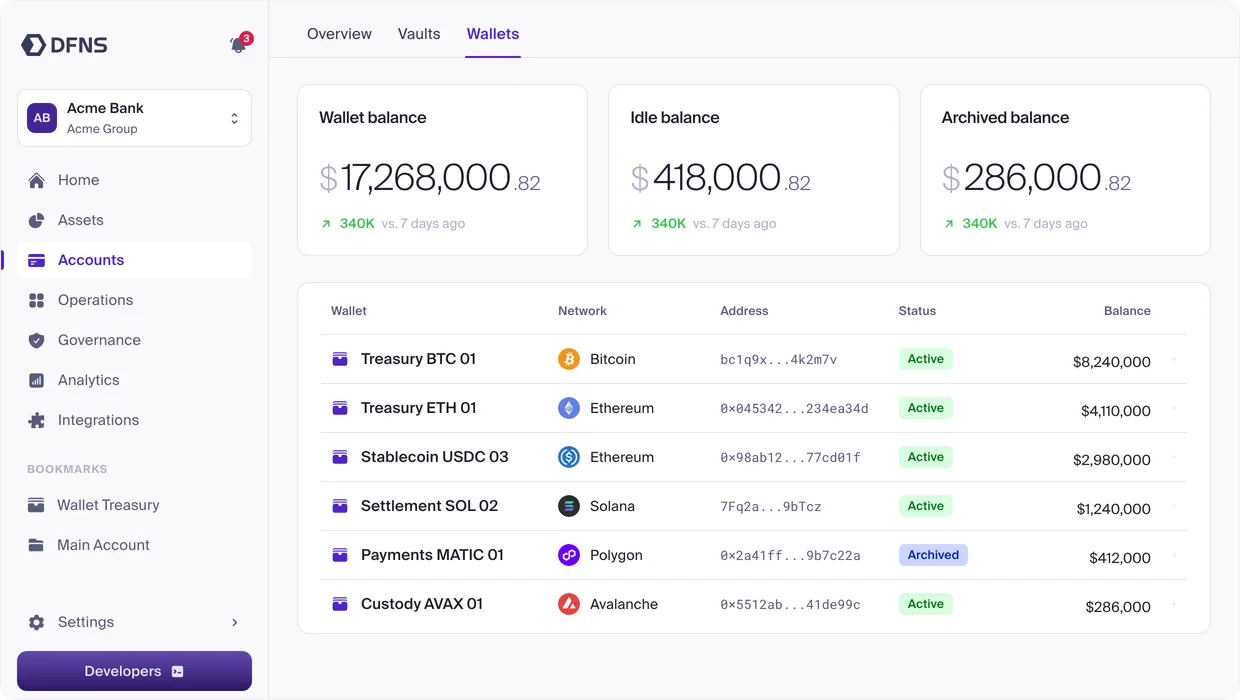
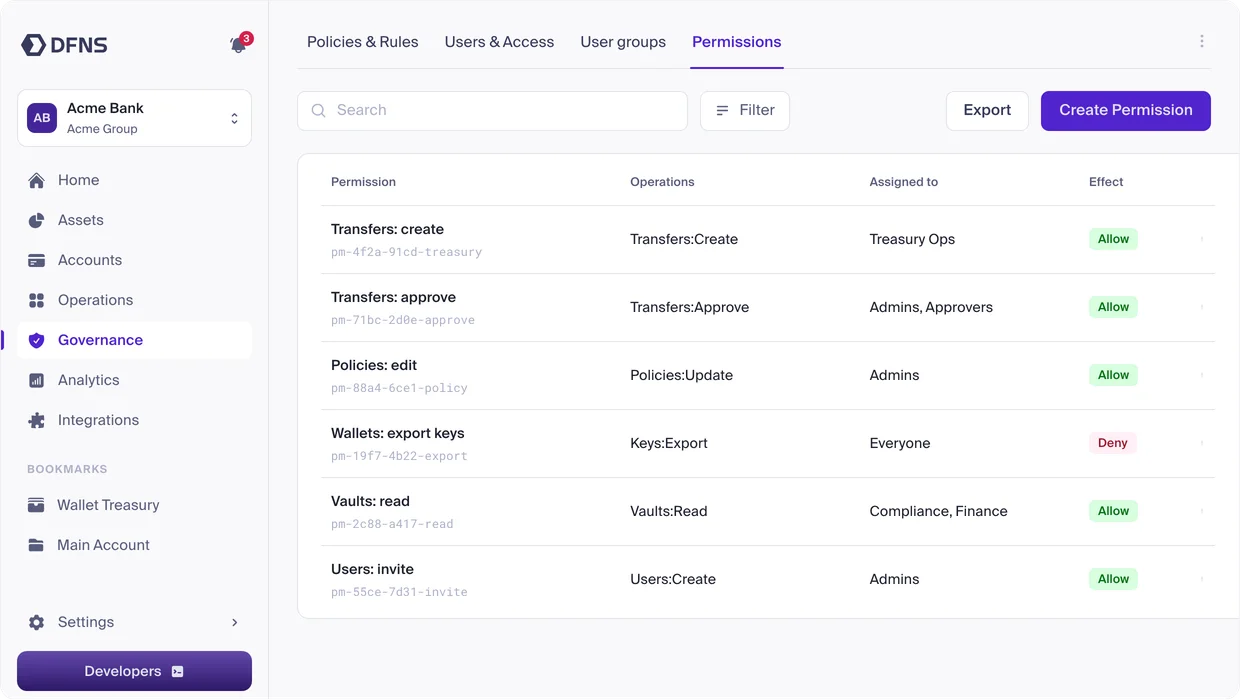
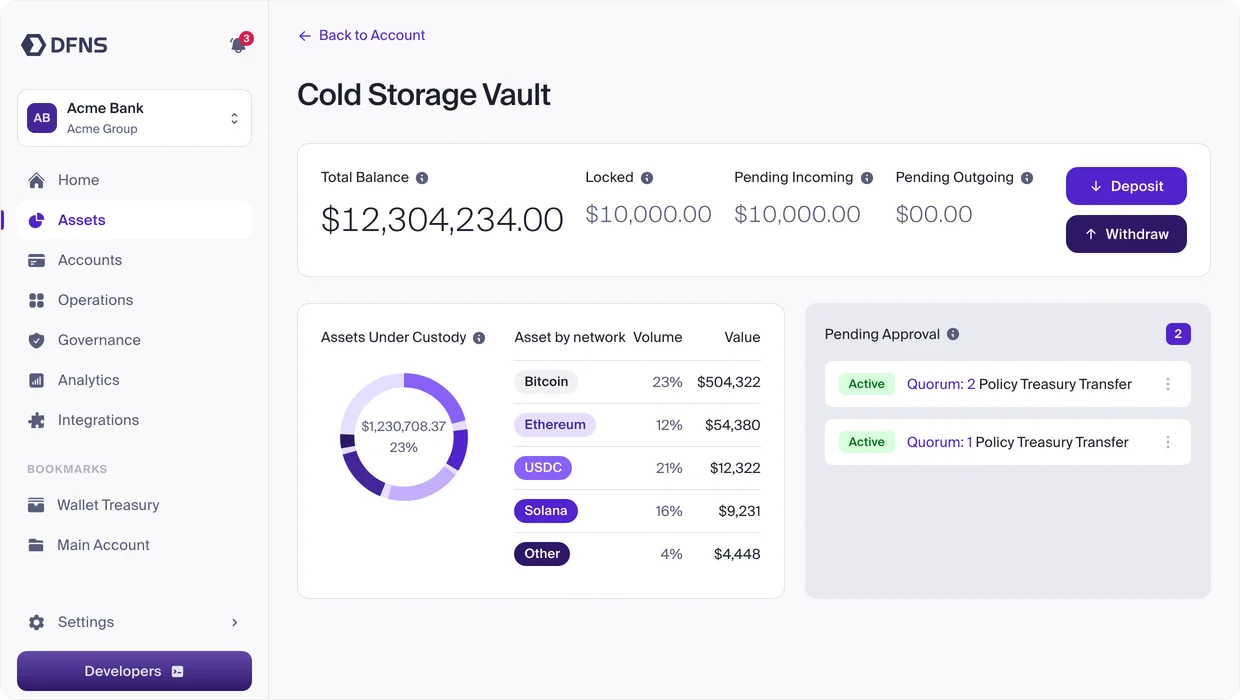
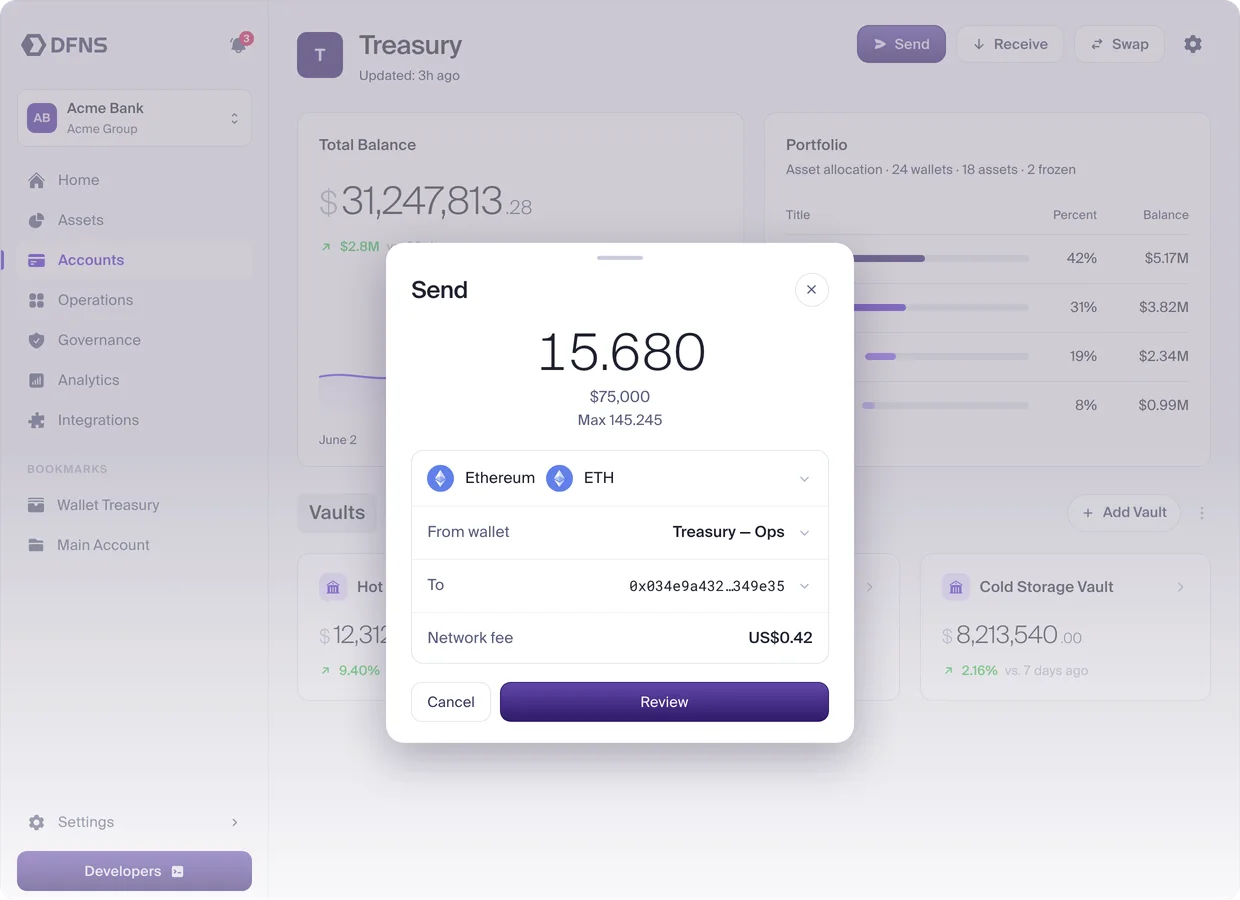
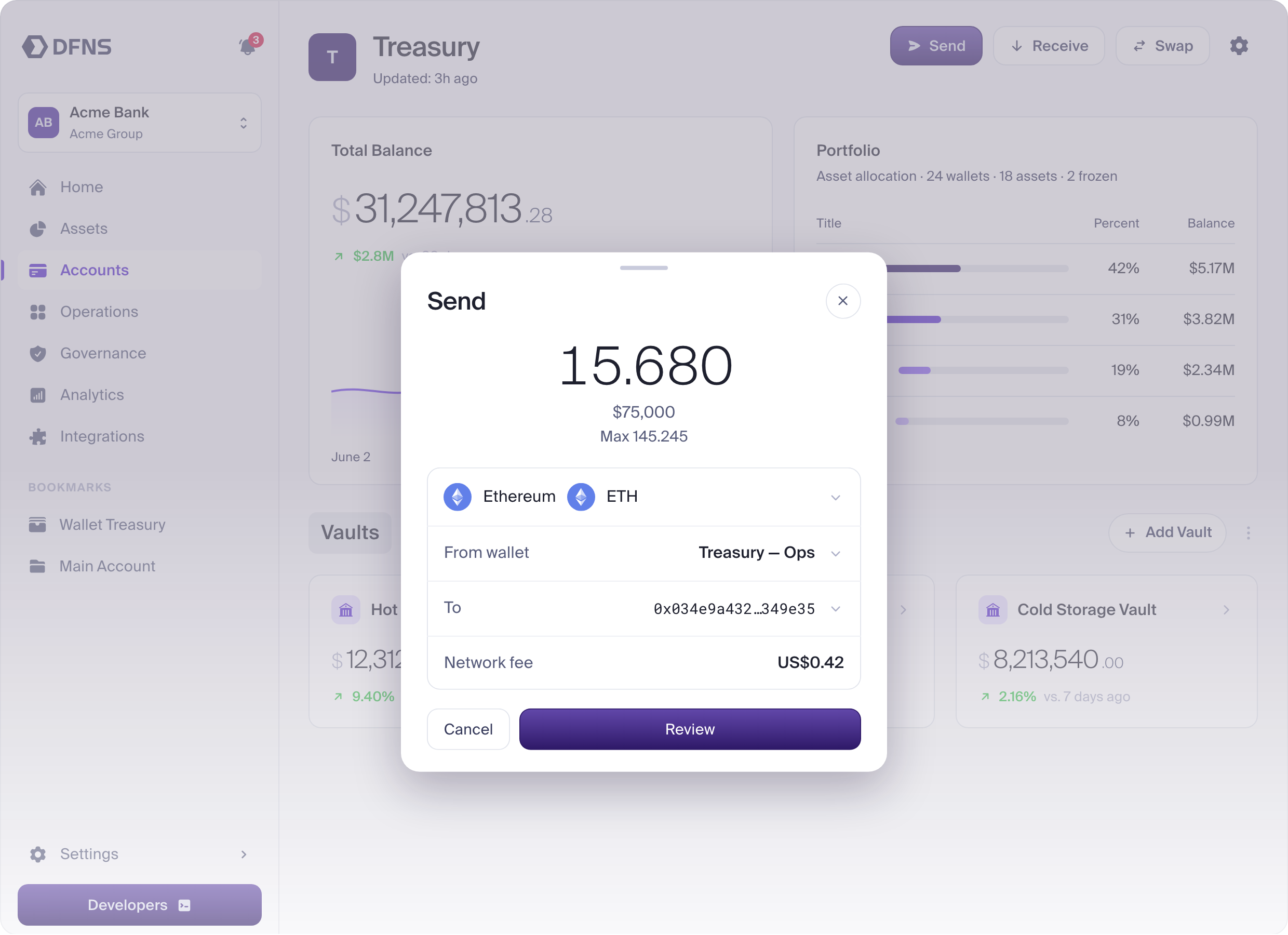
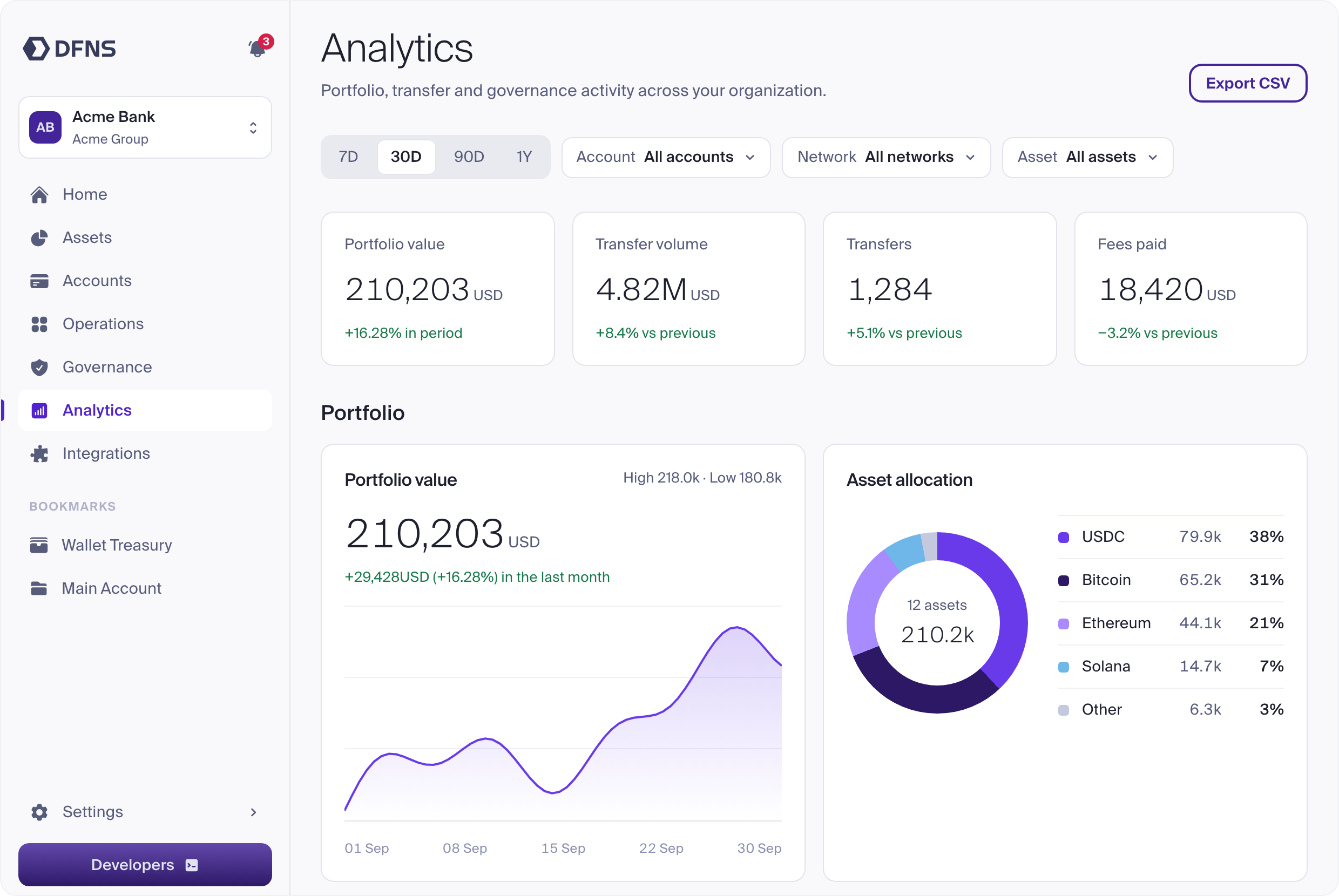
Screens of the DFNS dashboard, captured at 2x. They show sample data only, so you can use them without exposing anything sensitive.
-
 Download
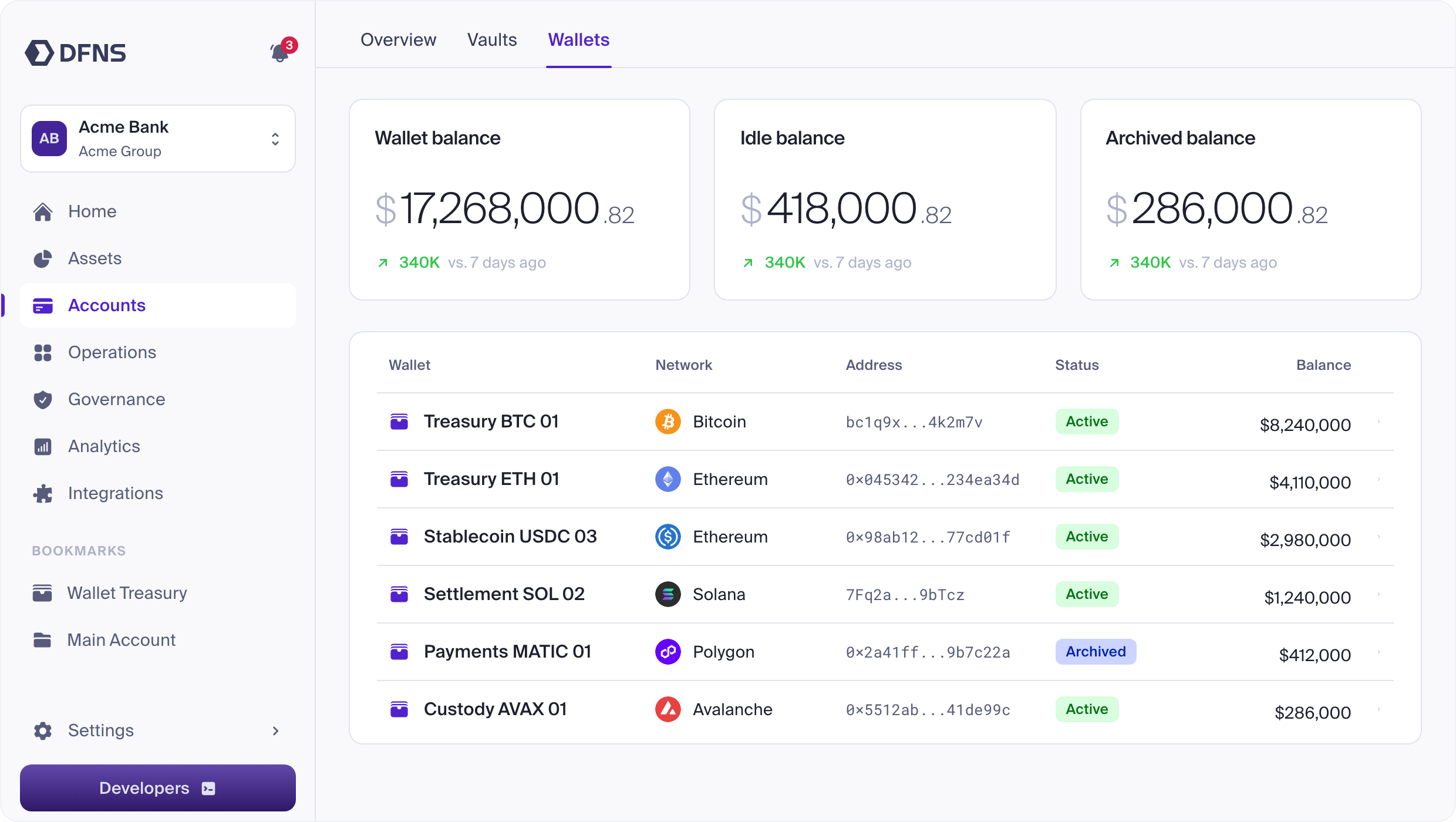
Accounts
Wallets across networks, with balances and status.
-
 Download
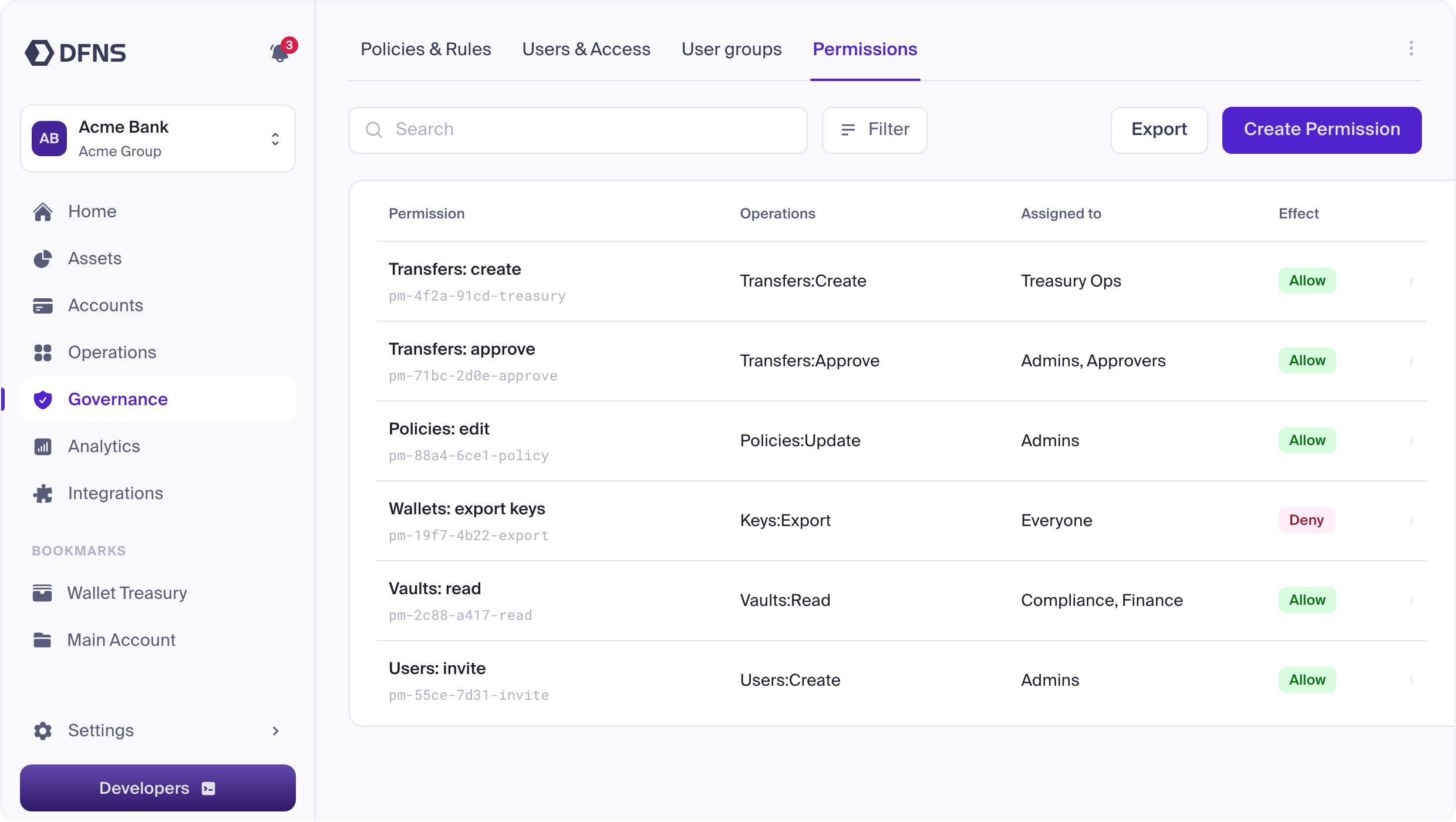
Governance
Permissions and who they are assigned to.
-
 Download
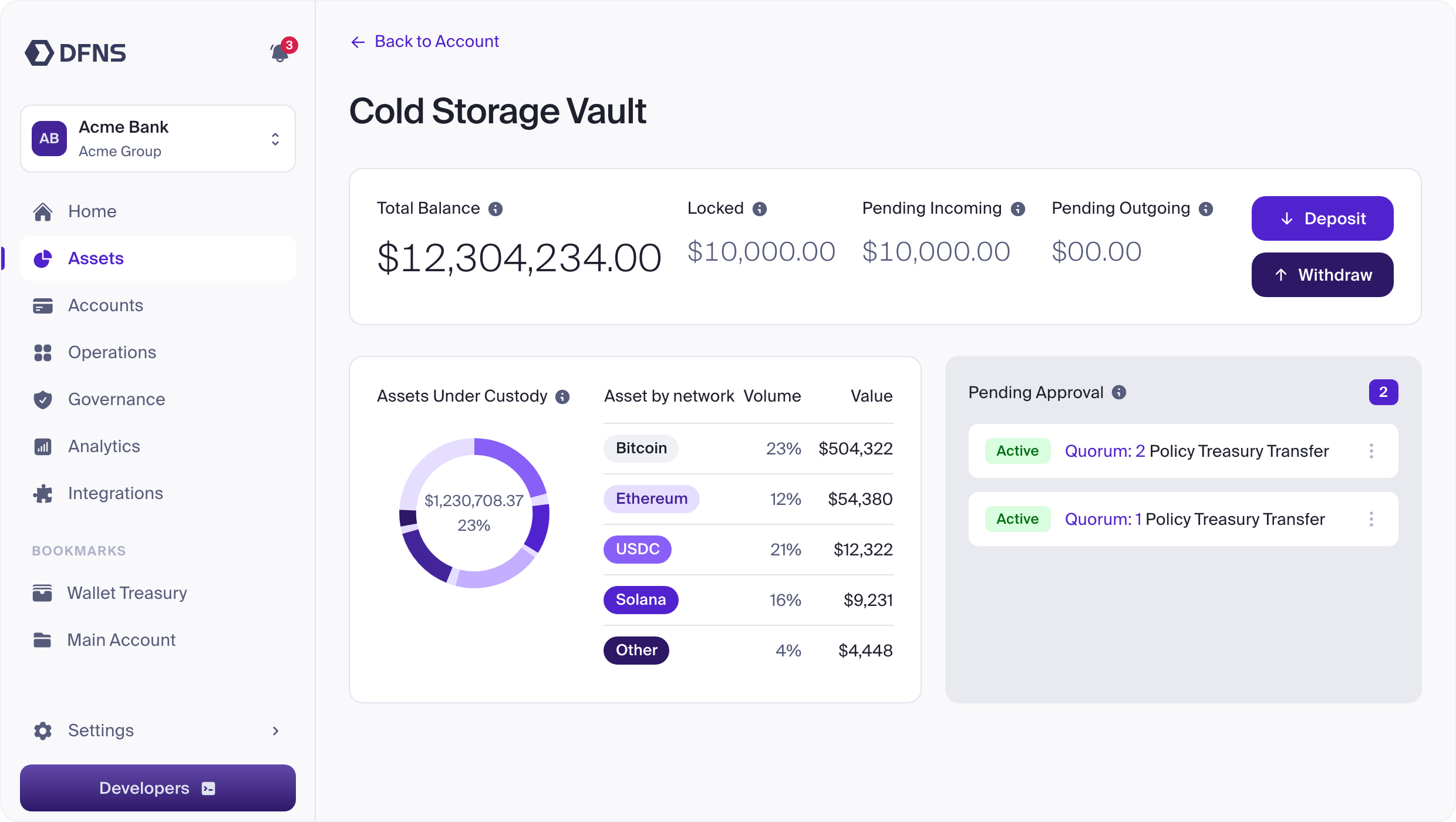
Treasury
Assets under custody and approvals pending.
-
 Download
Send
The transfer dialog, ready to review.
-
 Download
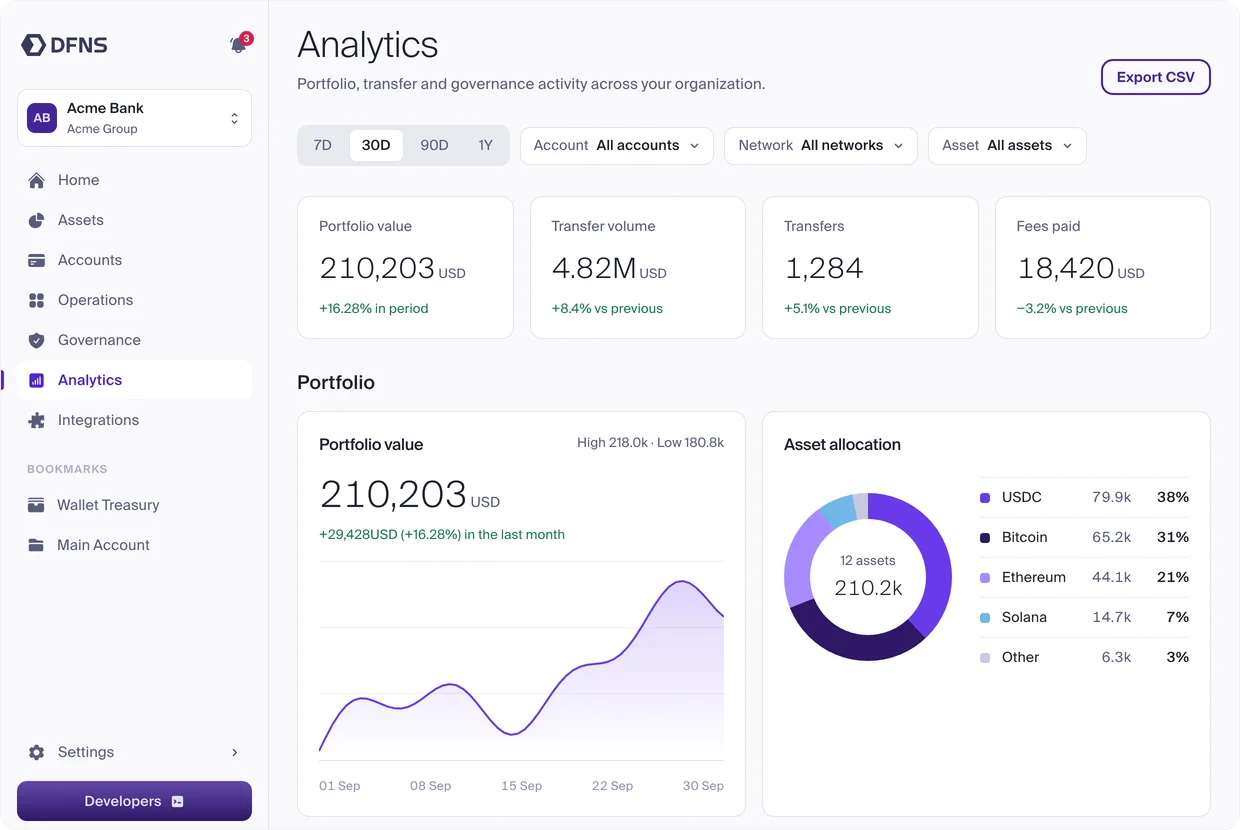
Analytics
Portfolio value, volume and allocation.
Questions
Need a format that isn't here, or want to check how you're presenting DFNS? Write to robin@dfns.co.